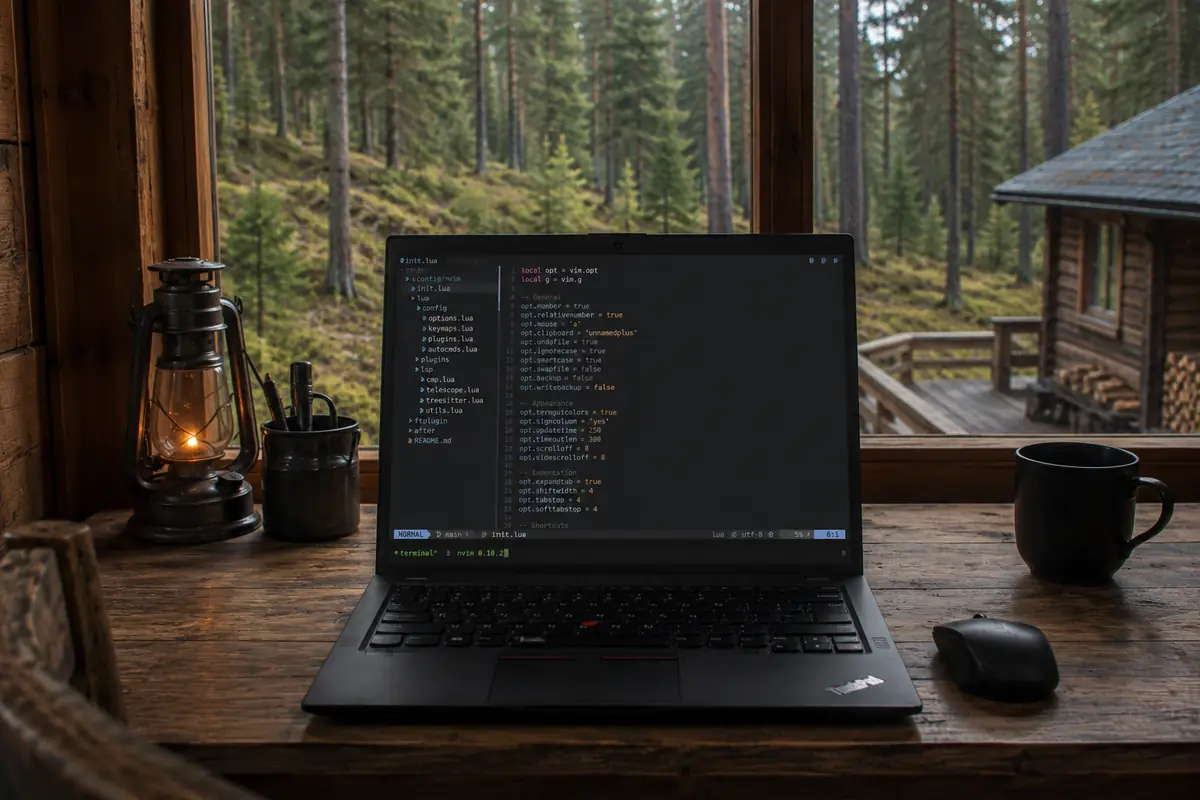
Neovim became my main one
Why Neovim Became My Primary Editor
Over the past twenty years, I have worked with almost everything:
Vim, VSCode, JetBrains IDE, Sublime Text, Atom, Emacs.
And the more projects, services, containers, remote servers, and terminals I manage, the more I appreciate simple things.
Neovim turned out to be exactly that kind of thing.
Speed
When you live in the terminal for most of the day, you start noticing even tiny interface delays.
Neovim launches almost instantaneously.
It doesn't matter whether it's:
- a local project;
- a remote server via SSH;
- editing configs;
- quick code fixes inside a container;
- working inside tmux.
The editor opens faster than most IDEs manage to show their splash screen.
Terminal as the Primary Interface
With age and experience, you start realizing that a GUI doesn't always make work faster.
Most of my daily workflow looks like this:
← browser ← docs ← logs ← nvim ← terminals →
Docker, Git, SSH, Kubernetes, local LLMs, various CLI utilities-everything lives inside the terminal.
And Neovim fits seamlessly into this environment.
Remote Work Feels Identical Everywhere
It doesn't matter where I am located:
- an old ThinkPad;
- a home server;
- a cloud VPS;
- a container inside Kubernetes;
All I need to run is:
nvim .
And I get my familiar environment instantly.
No need to install tens of gigabytes of IDE software, configure plugins from scratch, or wait for project indexing.
LSP Changed Everything
In the past, the main argument against Vim was the lack of features available in modern IDEs.
Today, that argument is completely obsolete.
Neovim handles all modern development needs effortlessly:
- autocomplete;
- Go To Definition;
- Rename Symbol;
- refactoring;
- diagnostics and error checks;
- AI integrations;
- support for virtually any language.
In terms of capabilities, it has long evolved beyond being just a simple terminal text editor.
Memory and Resources
Modern IDEs can consume gigabytes of RAM even on small projects.
Compared to them, Neovim looks absurdly lightweight.
This is especially noticeable on legacy hardware.
When a laptop is over ten years old, every saved megabyte of RAM starts to matter.
Configuration as Code
One of the things I love most is that the entire development environment is defined in plain text files.
My entire editor is a set of Lua configs stored in Git.
Setting up a new machine takes literally a couple of minutes:
After cloning your configuration repository into ~/src/nvim-config, create the link only if ~/.config/nvim is absent. If it already exists, keep a backup and decide whether to merge or replace it. Plugins and language servers still need to be installed on the new machine.
mkdir -p ~/.config
test -d ~/src/nvim-config && test ! -e ~/.config/nvim && test ! -L ~/.config/nvim && ln -s ~/src/nvim-config ~/.config/nvim
And I'm right back home.
Why Not VSCode?
VSCode remains a great editor.
However, over time you start noticing:
- growing memory consumption;
- sluggish startup time;
- a huge number of background processes;
- the feeling that the editor is trying to become a full operating system.
Neovim, on the other hand, remains strictly an editor.
Fast, minimalist, and completely controlled by you.
Summary
The longer you work in the tech industry, the less you value the sheer number of features, and the more you value responsiveness and predictability.
Today, the stack:
ThinkPad + CachyOS + Niri + Alacritty + Fish + Neovim
has proven to be my near-ideal working environment.
When your editor doesn't distract you, stays out of your way, and practically vanishes into the background-allowing you to focus entirely on code-it means it's doing its job right.